Patients often ask: “Can I change my NHS GP?” The answer is simple — yes, you can change GP practices at any time, and you don’t need to give a reason.
In 2025, the process has become much easier thanks to online registration, meaning you can switch GP practices quickly and start booking appointments at a clinic that better suits your needs.
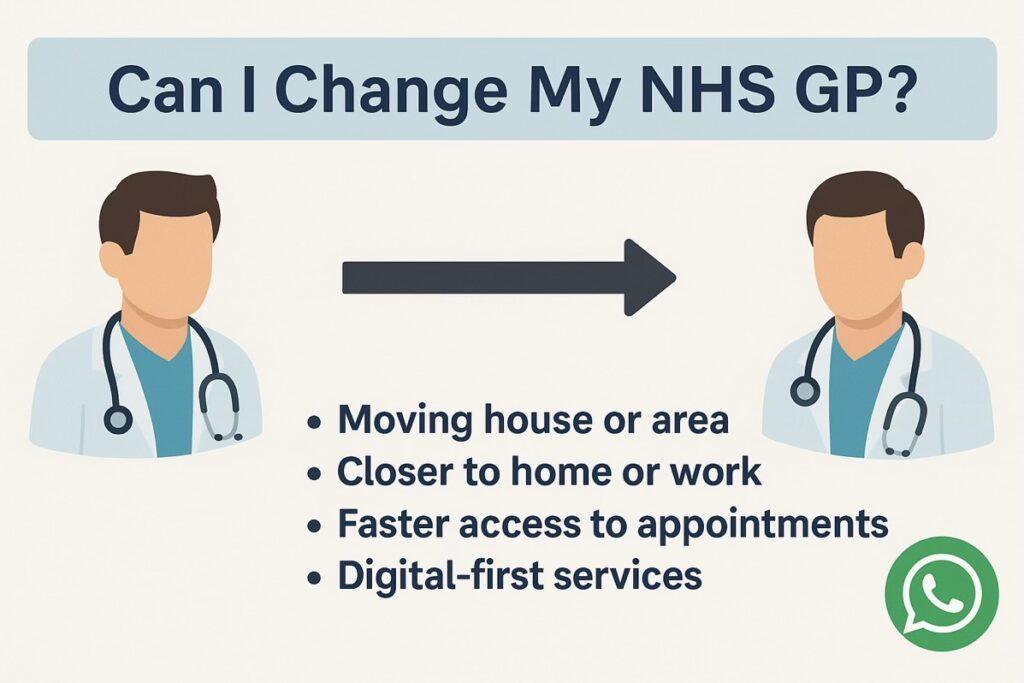
Reasons Patients Change GP Practices
You may want to change GP for many reasons, including:
Moving house or relocating to a new area.
Wanting a practice closer to home or work.
Looking for faster access to appointments.
Preferring a practice that offers digital-first services like online booking, WhatsApp, and the NHS App.
Seeking better continuity of care for yourself or your family.
How to Change Your NHS GP
Find a new GP practice near you — search online or use nhsgp.net/area.
Register online — fill in a simple digital form with your details.
Provide ID if possible — but you cannot be refused if you don’t have proof of address or ID.
Your records transfer automatically — once registered, your new practice will request your records securely from your old GP.
You don’t need to contact your old practice — the NHS handles the transfer.
How Long Does It Take?
Registration usually takes a few days.
You can book appointments with your new GP as soon as you are fully registered.
In urgent situations, practices can provide care even before your records arrive.
Why Register with GP Pathfinder Clinics?
At GP Pathfinder Clinics, we make the switch easy:
Online registration in minutes — no paper forms.
94% of patient issues resolved within 24 hours.
Maximum GP wait 72 hours.
Multiple sites across London (Wembley Park, Wembley Central, Willesden HQ, Ilford, Watford, New Cross).
Yes — you can change your NHS GP at any time, without explanation. With online registration and digital booking systems, switching to a practice like GP Pathfinder Clinics gives you faster access, more flexibility, and both local and digital convenience.
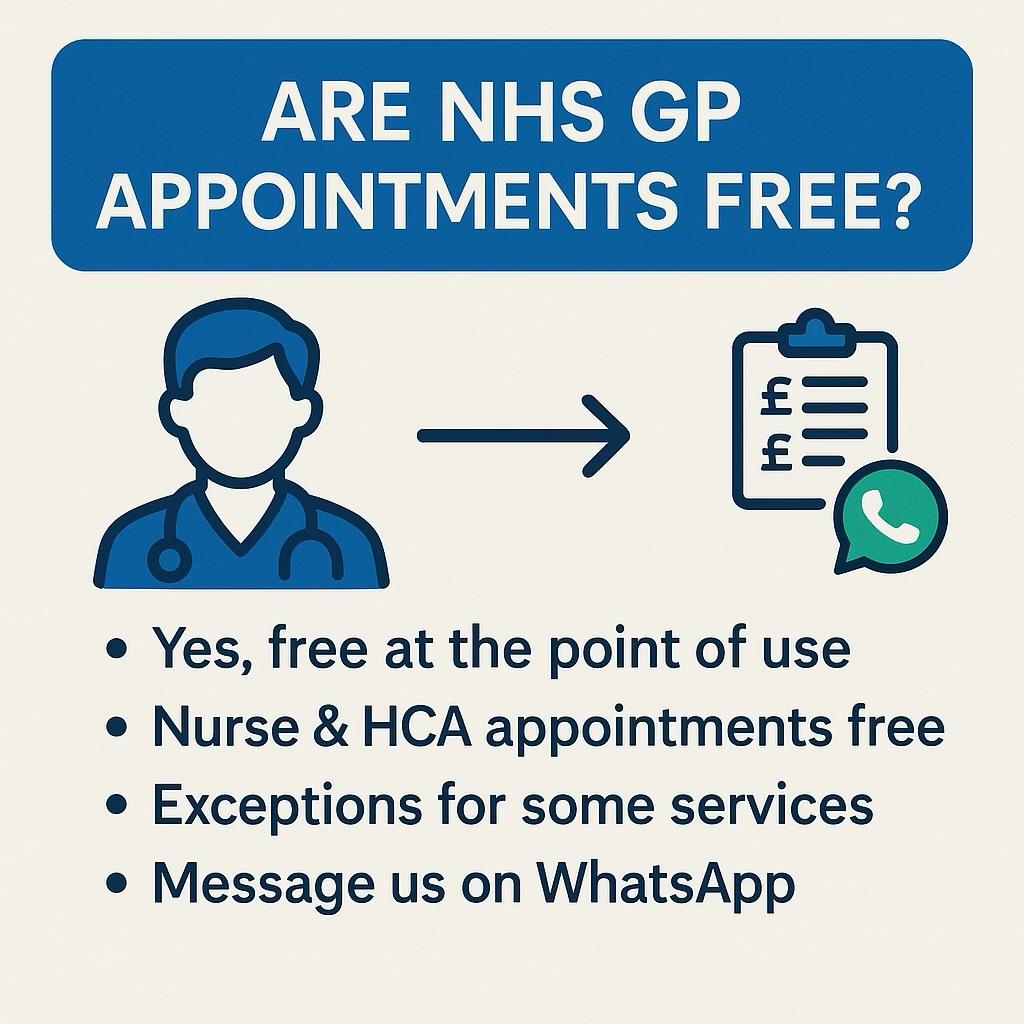
One of the most common patient questions is: “Are NHS GP appointments free?” The answer is clear — yes, NHS GP appointments are free at the point of use.
In 2025, patients across the UK do not pay to see their GP for NHS services. However, there are some exceptions and extra services you should know about.
NHS GP Appointments Are Free
Consultations with your GP — whether face-to-face, by phone, or by video — are completely free.
Nurse and healthcare assistant appointments (e.g. blood tests, vaccinations, wound care, health checks) are also free.
Digital triage and online booking systems (such as Anima and the NHS App) are included at no cost.
Prescriptions may have a standard NHS charge (unless you are exempt), but the GP appointment itself is free.
What Might Cost Extra?
While GP consultations are free, some services sit outside the NHS contract and may carry charges:
Travel vaccinations (e.g. yellow fever, some malaria tablets).
Private medical reports, insurance forms, and certificates.
Non-NHS medical examinations (e.g. HGV medicals, adoption reports).
Your practice will always inform you about charges before carrying out any non-NHS service.
How to Access Free NHS GP Appointments
Register with a GP practice — this ensures you are entitled to free NHS care.
Book online via the GP website or NHS App.
Submit a request anytime (via Anima) — reviewed by the practice team the same day.
Yes — NHS GP appointments are free. You never pay to see a doctor or nurse for NHS-covered services. Only optional extras, like travel vaccinations or private medical forms, carry charges.
When you’re unwell and unsure what to do, calling NHS 111 is one of the most reliable ways to get advice. But many patients ask: “Can NHS 111 book a GP appointment for me?”
The short answer is: yes, in certain situations. NHS 111 can directly book an appointment at your GP practice — but there are important details to understand about when and how this happens.
What NHS 111 Does
NHS 111 is a free, 24/7 helpline and online service that:
Provides advice for urgent but non-life-threatening issues.
Helps you decide whether you need a GP, pharmacist, urgent care centre, or A&E.
Can sometimes arrange a direct appointment at your GP or an out-of-hours service.
Can NHS 111 Book GP Appointments?
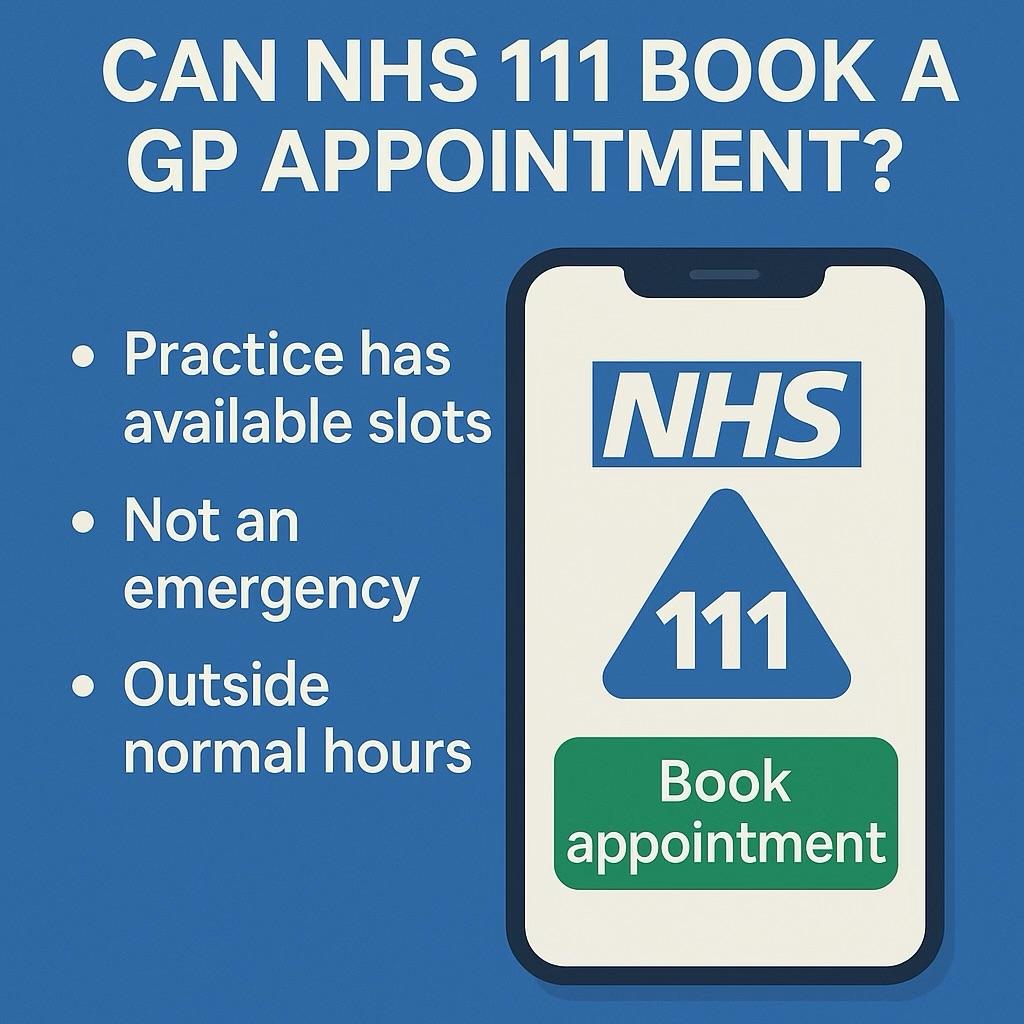
Yes — NHS 111 can book a GP appointment directly, but only if:
Your GP practice has enabled direct booking slots. Many surgeries reserve limited appointments for NHS 111 use.
Your symptoms require GP review but are not an emergency. Examples: worsening chest infection, severe earache, or medication issues.
You call outside normal hours. NHS 111 can also arrange appointments at an out-of-hours GP hub when your regular surgery is closed.
What If NHS 111 Cannot Book for You?
They will provide self-care advice if appropriate.
They may direct you to NHS 111 online for further guidance.
They may ask you to contact your GP practice directly during working hours.
In urgent cases, they may refer you to urgent care or A&E.
How to Book Directly Without NHS 111
While NHS 111 is useful, you don’t always need to call them first. Patients at GP Pathfinder Clinics have faster ways to book:
Submit a request online (Anima) — available 24/7 via your GP’s website.
Use the NHS App — log in to view and book available slots.
Yes — NHS 111 can book GP appointments directly in certain cases, especially when urgent care is needed. But you’ll often get help faster by booking directly with your GP online, through the NHS App, or via WhatsApp.
👉 Register today and unlock quicker booking options with your local NHS GP.
How to Register with an NHS GP Near Me and Book Appointments (2025 Guide)
If you’ve recently moved home, changed area, or simply want better access to NHS care, you may be asking: “How do I register with an NHS GP near me and book appointments?”
The good news is that in 2025, the process is quicker and easier than ever. You can register online in minutes, then use digital booking, the NHS App, or even WhatsApp to book appointments with your GP.
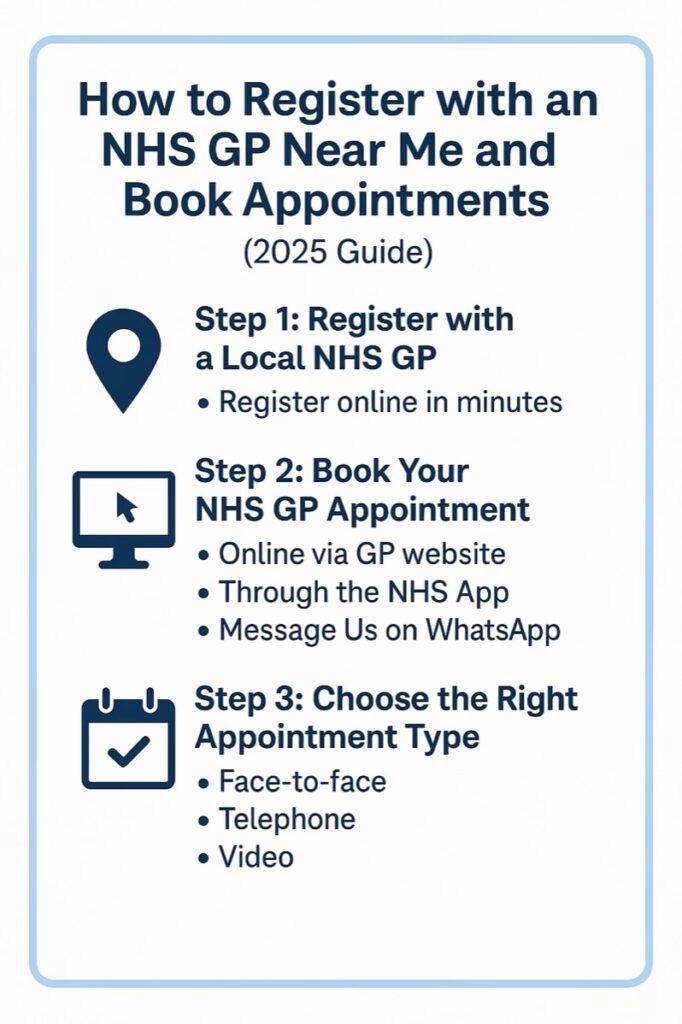
Step 1: Register with a Local NHS GP
You must be registered with a GP practice before booking appointments. Here’s how:
Find a local NHS GP practice — usually within your catchment area.
Register online — most practices offer a digital form (no need for paper or visiting in person).
Provide basic details — your name, date of birth, NHS number (if known), and address.
ID or proof of address — helpful but not always essential. Practices can still register you if you lack documents.
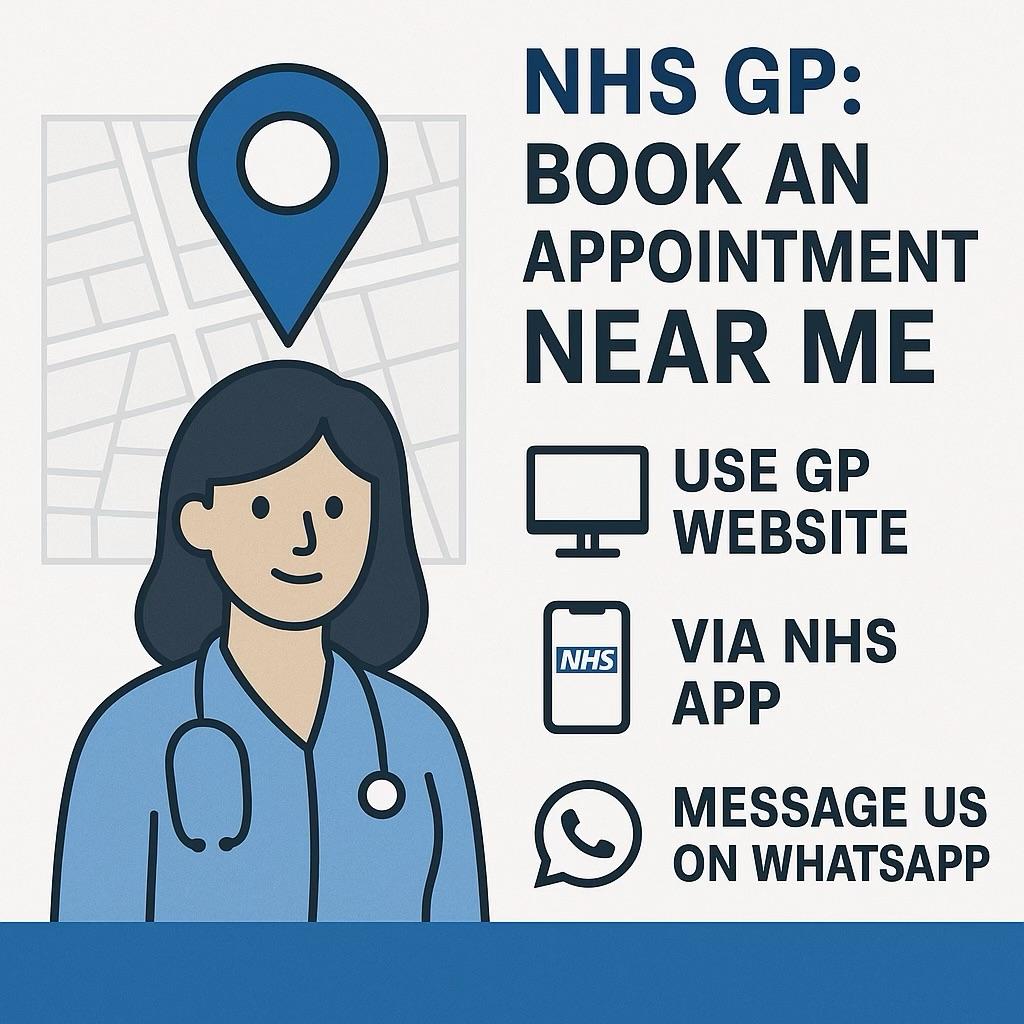
When you type “NHS GP appointment near me” into Google, you’re usually looking for fast, convenient access to a local doctor. The good news is that in 2025, booking an NHS GP appointment near you is easier than ever — with digital booking, NHS App access, and WhatsApp support from modern GP practices.
This guide explains how to find and book an appointment with a GP close to you, and why choosing a local NHS GP practice is the best way to get both digital convenience and in-person care.
Why Choose a Local NHS GP?
Convenience — Appointments, tests, and vaccinations are all delivered close to home.
Continuity of Care — Local practices know you and your family, giving safer, more personalised care.
Digital + In-Person Access — You get the best of both worlds: 24/7 digital requests plus local clinics when you need to be seen face-to-face.
Quicker Help — At GP Pathfinder Clinics, 94% of patient issues are resolved within 24 hours and GP appointments are never more than 72 hours away.
How to Book an NHS GP Appointment Near You
1. Use Your GP’s Online System
Visit your GP practice website.
Submit an online request (via Anima) any time of day.
The team will review it and offer you the right outcome — whether that’s a GP, nurse, or pharmacist appointment.
2. Book via the NHS App
Download the NHS App (iOS/Android).
Log in and tap Appointments to see available slots.
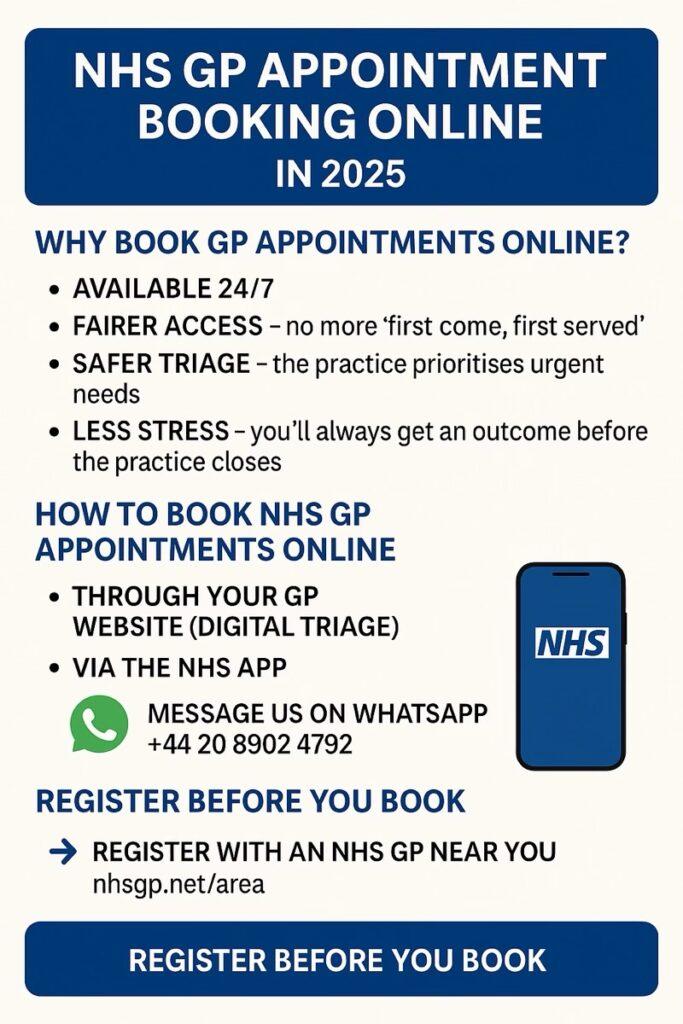
Booking a GP appointment online is now the fastest and easiest way to access NHS care. Gone are the days of waiting endlessly on the phone at 8am — in 2025, NHS patients can use digital triage and the NHS App to secure appointments quickly and fairly.
This guide explains how NHS GP appointment booking online works, the latest reforms, and how you can make the most of it.
Why Book GP Appointments Online?
Available 24/7 – submit requests any time of day.
Fairer access – no more “first come, first served” phone queues.
Safer triage – the practice can prioritise urgent needs and allocate appointments appropriately.
Less stress – you’ll always get an outcome before the practice closes.
How to Book NHS GP Appointments Online
1. Through Your GP Website (Digital Triage)
Most practices now use digital triage systems such as Anima.
Submit your request online.
The practice team reviews it rapidly.
You’ll be directed to the right clinician — whether that’s a GP, nurse, pharmacist, or healthcare assistant.
At GP Pathfinder Clinics, 94% of patient issues are resolved within 24 hours, and GP appointments never exceed a 72-hour wait.
2. Via the NHS App
Once you are registered with a GP:
Download the NHS App (iOS or Android).
Tap Appointments to check availability.
Book GP, nurse, or healthcare assistant slots directly.
You can also order prescriptions and view results at the same time.
3. By WhatsApp
At GP Pathfinder Clinics, you can skip the phone lines entirely: 👉 Message us on WhatsApp It’s quick, free, and simple — our team responds during practice hours to help you book the appointment you need.
Types of Online GP Appointments
Face-to-face – if an examination or procedure is required.
Telephone – for quick advice and follow-ups.
Video – for convenient access from home.
What If No Slots Are Showing?
Don’t worry — NHS rules mean practices can’t just say “try again tomorrow.” Every request must be assessed the same day. You’ll always get a clear outcome, whether that’s an appointment, prescription, referral, or advice.
Register Before You Book
If you’re new to the area, register with a local NHS GP practice online:
In 2025, NHS GP appointment booking online is the best way to get care quickly and fairly. With the NHS App, 24/7 triage (Anima), and even WhatsApp support, it’s never been easier to book the appointment you need.
In 2025, booking an NHS doctor’s appointment online is no longer a challenge — it’s the default way most patients access care. Whether you need a same-day consultation or a routine review, online booking makes the process faster, fairer, and less stressful.
This guide explains how NHS online doctor appointment booking works, what reforms mean for patients, and how you can book quickly with your local NHS GP.
Why Online Booking Is the New Standard
Available 24/7 – no need to wait for surgery opening times.
Fairer for everyone – no 8am phone queue scramble.
Safer and faster – requests are triaged so urgent needs are prioritised.
Integrated with your records – ensuring continuity of care.
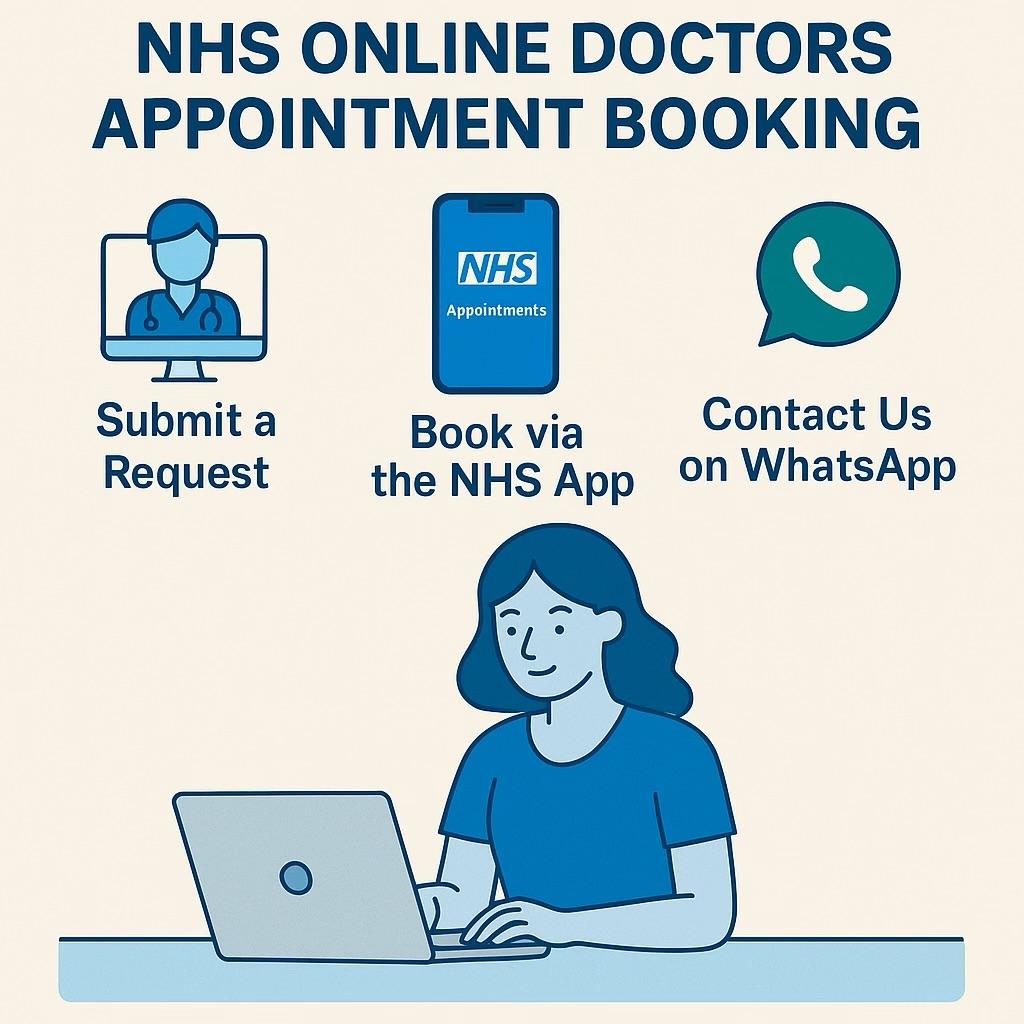
How to Book an NHS Doctor’s Appointment Online
1. Submit a Digital Request
Most GP practices now use a system like Anima:
Go to your GP surgery’s website.
Click “Submit a Request” or “Online Consultation.”
Fill in a short form with your symptoms.
Your request is reviewed the same day, and you’ll be offered the most appropriate outcome: a GP appointment, nurse consultation, prescription, or test.
At GP Pathfinder Clinics, 94% of issues are resolved within 24 hours, and no patient waits longer than 72 hours for a GP appointment.
2. Book via the NHS App
Once you’re registered with a GP, you can:
Log in to the NHS App.
Tap Appointments to check availability.
Book GP or nurse slots directly.
3. Contact Us on WhatsApp
At GP Pathfinder Clinics, you can also reach us directly through WhatsApp: 👉 Message us on WhatsApp
This is a quick, simple way to get help booking an appointment, without having to wait on the phone.
Types of Online Doctor Appointments
Face-to-face — for physical examinations and procedures.
Telephone — for follow-ups and advice.
Video consultations — convenient when you prefer remote access.
Registration Is Essential Before Booking
You must be registered with a GP before booking online. Luckily, this process is now digital and paper-light.
NHS online doctor appointment booking has transformed how patients access care. With digital triage, the NHS App, and WhatsApp support, you can book safely and quickly, with reassurance that urgent issues will always be prioritised.
Ready to get started?Register today and enjoy the convenience of online booking at your local NHS GP practice.
NHS App for Booking GP Appointments (2025)
Getting a GP appointment shouldn’t be stressful. In 2025, the quickest way for most patients to arrange care is via the NHS App, which lets you book GP appointments, request repeat prescriptions, check test results (where enabled), and view your NHS number in seconds. Below is a clear, step-by-step guide — plus practical tips if appointments aren’t showing or you’re not yet registered with a GP.
Quick Answer
Yes — you can book GP appointments using the NHS App (where your GP practice has enabled online booking). If you can’t see appointments, your practice may be using a digital triage system (like Anima) to prioritise requests safely. In that case, complete the online form first and the team will direct you to the right appointment at the right time.
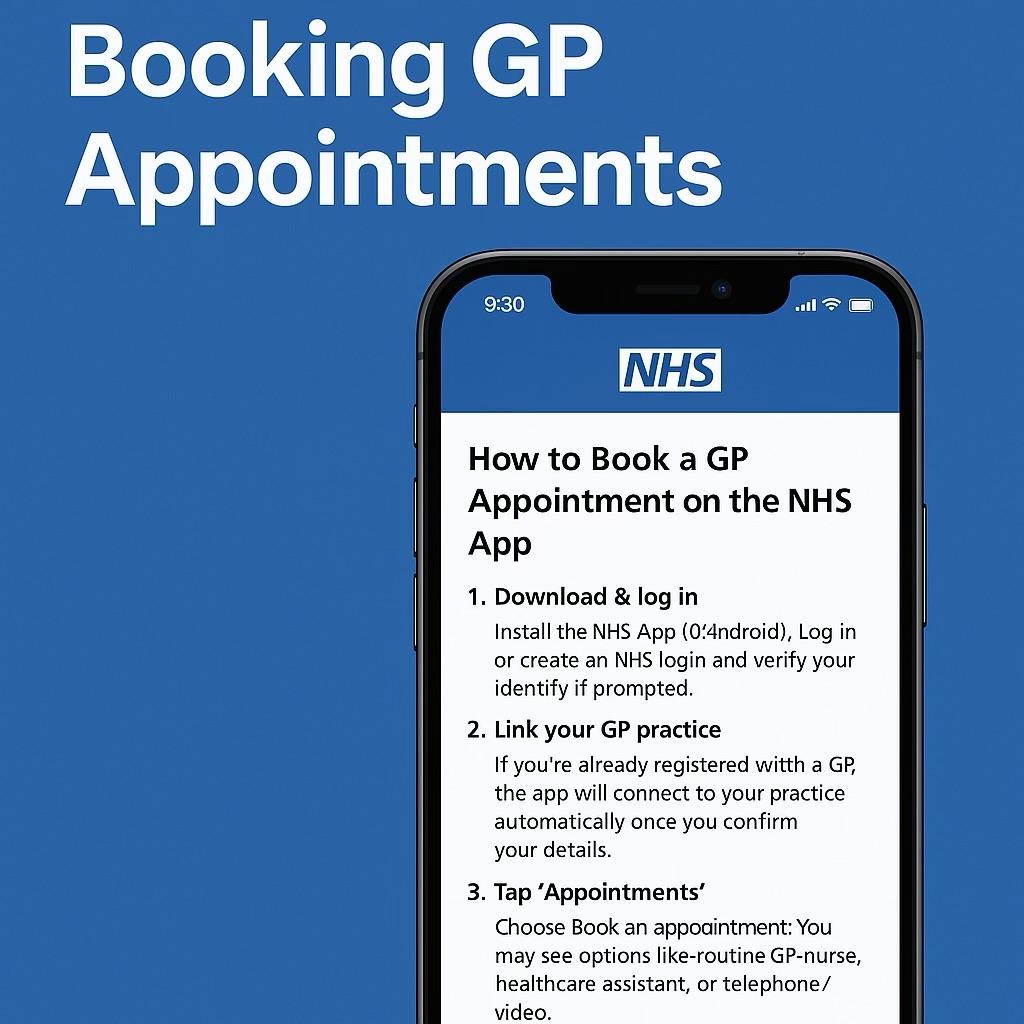
How to Book a GP Appointment on the NHS App
Download & log in Install the NHS App (iOS/Android). Log in or create an NHS login and verify your identity if prompted.
Link your GP practice If you’re already registered with a GP, the app will connect to your practice automatically once you confirm your details.
Tap ‘Appointments’ Choose Book an appointment. You may see options like routine GP, nurse, healthcare assistant, or telephone/video.
Pick a time Select a suitable slot. If nothing shows, your practice may only release certain slots daily (often mornings), or it may route all requests through online triage.
Confirm & attend You’ll get a confirmation in the app. Add it to your calendar and arrive a few minutes early if it’s in person. For phone/video, keep your phone nearby with good reception.
If You Can’t See Any Slots
Don’t panic — it doesn’t mean there’s no help. Many NHS practices now use digital triage (e.g., Anima) to safely manage demand and offer the fastest route to the right clinician.
Use online triage: From your practice website, choose “Online Consultation”/“Submit a Request” and complete the short form.
You’ll be prioritised: The practice team reviews requests rapidly and offers the best option — same-day advice, a routine appointment, a prescription, tests, or self-care guidance.
Phone lines still work: If you can’t use digital tools, call the practice. They can complete the triage on your behalf.
At GP Pathfinder Clinics, online requests are handled through Anima 24/7. We resolve the vast majority of patient issues within 24 hours, with GP waits capped at a maximum of 72 hours across our sites.
Tips to Get the Appointment You Need
Be specific: In the NHS App notes (or your Anima request), say what’s wrong, when it started, and what’s worrying you.
Repeat prescriptions: Order via the NHS App to avoid unnecessary appointments.
Photos & files: If asked, attach clear photos or home readings (e.g., blood pressure) — it speeds up clinical decisions.
Urgent issues: For life-threatening symptoms (e.g., chest pain, severe bleeding, stroke signs), call 999. For urgent but not life-threatening concerns when the practice is closed, use NHS 111.
Register First if You’re New to the Area
You’ll need to be registered with a GP to book via the NHS App. Good news — you can register online in minutes:
(Use the page to choose your nearest site; the online form takes just a few minutes.)
Face-to-Face vs Telephone/Video
Clinicians will offer the most appropriate format for your problem. Many issues are efficiently handled by telephone or video; if an examination is needed, you’ll be brought in for a face-to-face appointment.
Common Questions
Why does the app say no appointments are available? Your practice might release slots daily or use triage only. Submit an online request (Anima) so the team can allocate the right slot.
Can I book for my child or a family member? Yes — set up proxy access through the practice where appropriate.
Do I need ID to register? ID helps, but practices can still register you without fixed proof if needed; they’ll explain what they require.
Internal Links (Local NHS GP Registration)
Register with a GP near you – https://www.nhsgp.net/area (Sites include Wembley Park, Wembley Central, Willesden, Ilford, Watford, New Cross)
Bottom Line
The NHS App is the easiest way to book GP appointments, request medications, and manage your care — and if you can’t see slots, submit an online request so our team can route you quickly to the right clinician. Ready to get started?Register with an NHS GP online today and book via the NHS App or our 24/7 digital triage.